
How to Check Criminal History in Rocky Mount
A Rocky Mount records search starts with the kind of fact sought. The city police channels answer questions about an officer's report, a call, or a public daily-bulletin entry. Edgecombe detention answers current custody questions for an Edgecombe-side booking. The clerk and eCourts show the charge after it enters the state court system. A person reviewing their own fingerprint-supported statewide record uses the North Carolina State Bureau of Investigation, not a city name search.
- Confirm the Rocky Mount event address and whether it lies in Edgecombe or Nash County.
- Check Rocky Mount Police2Citizen for a public report or daily-bulletin lead, or submit the city request form for a specific police product.
- For Edgecombe-side custody, call Edgecombe detention because the county publishes no official jail roster.
- Search the North Carolina eCourts Portal with Edgecombe selected, then ask the Rocky Mount Judicial Center or Tarboro clerk for an official copy.
- For an own-record statewide review, follow the NCSBI fingerprint-based Right to Review process.
This Rocky Mount sequence keeps a Rocky Mount arrest report separate from a booking entry, court outcome, and SBI criminal history. Those Rocky Mount records describe different stages and may not share the same details.
Rocky Mount Records: Edgecombe or Nash?
The county boundary is the most useful fact in a Rocky Mount criminal record search. Official state estimates divide Rocky Mount's population between the two counties. The same division controls Rocky Mount records. A Rocky Mount event on the Edgecombe side routes to Edgecombe custody and courts. A Nash-side event routes to Nash custodians instead. Searching Edgecombe simply because the city name is Rocky Mount can miss the case.
Use the incident location, report number, case caption, or court location to settle the county. If a Rocky Mount name search returns nothing in Edgecombe eCourts, check spelling and wildcard use, then confirm whether Nash County is the right venue. A city report may still be at Rocky Mount Police regardless of county, but detention and court records split. This is also why statewide county-rate data needs care: North Carolina's justice dashboard assigns all Rocky Mount crime to Edgecombe rate calculations even though the city spans two counties.
The Rocky Mount Police Department
The Rocky Mount Police Department is the first custodian for its own incident, arrest, accident, CAD, and recording products. The department is at 330 South Church Street, Rocky Mount, NC, with a main line at 252-972-1411. Records can be reached directly at 252-972-1430. The police unit directory also lists telephone response, communications, and evidence lines, which helps a requester avoid sending a records question to an unrelated function.
The official Rocky Mount police source shows the city department and its public-service setting.
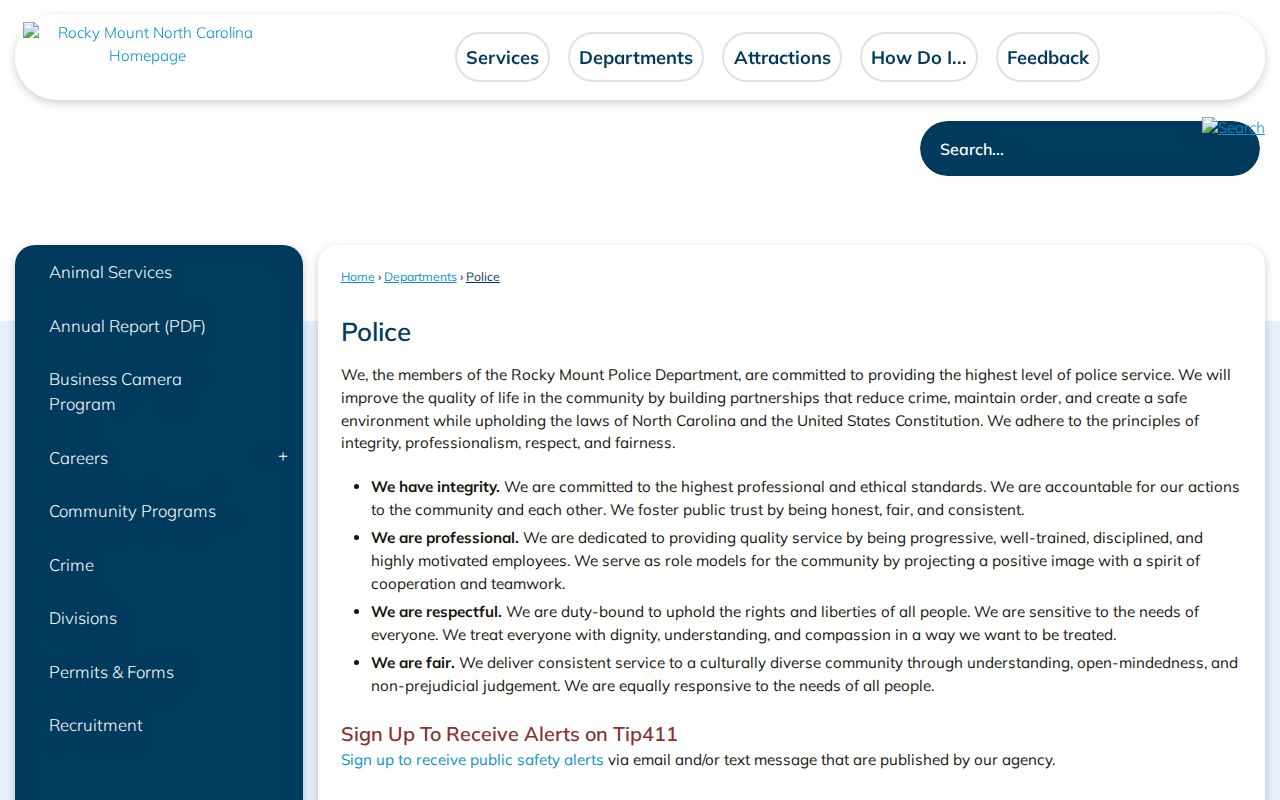
That city source belongs at the start of a Rocky Mount report request, while a court disposition belongs with the county clerk.
Rocky Mount Police Records
330 S. Church Street
Rocky Mount, NC
252-972-1430
Rocky Mount Police2Citizen Reports
Police2Citizen is Rocky Mount's quickest web route for printable public reports and the daily bulletin. The bulletin is a lead, not a court judgment. It can help locate recent police activity, but it does not prove that prosecutors filed the same charge or that a court entered a conviction. Move from a Rocky Mount police item to eCourts when the real question is what happened after the report.
A person who cannot locate a Rocky Mount item in Police2Citizen should not infer that no report exists. Public display rules, entry timing, the event's type, or the county boundary may affect the result. Call Rocky Mount Records with the approximate date, place, and report or event number if known. Ask what can be released and in which format. Tip411 does not serve this role. Rocky Mount uses Tip411 for tips and alerts, not as a police record lookup or request channel.
Note: A Rocky Mount daily-bulletin entry describes police activity and does not establish guilt or the final court charge.
Arrests and Bookings in Rocky Mount
A Rocky Mount officer creates the city arrest or incident report. If an Edgecombe-side arrest results in custody, Edgecombe detention creates a separate intake and booking record. The clerk later opens the criminal case. The filed charge may differ from the allegation at arrest, and the court disposition may change the meaning of the whole record. The city, jail, and clerk therefore answer three distinct questions.
Edgecombe County offers no official public jail roster or booking log. For current Rocky Mount local custody, call the sheriff at 252-641-7835 and confirm the appropriate detention contact. The North Carolina Department of Adult Correction search covers sentenced state custody or published supervision information, not Rocky Mount's county pretrial booking. For the Rocky Mount court result, use eCourts and then verify through the clerk. More county-wide detail appears in the Edgecombe County arrest history process.
Five Rocky Mount Police Record Types
The official Rocky Mount Police public-record form offers five product choices. It asks for requester contact and address details, the record type, incident date and time, location, and a description. An Event ID or incident-report number is optional. The form uses reCAPTCHA and allows an emailed copy where possible.
| Rocky Mount choice | What it identifies |
|---|---|
| Radio Recording | Dispatch radio audio tied to an event |
| Telephone Recording | A recorded call within the available period |
| CAD Record | Computer-aided dispatch information |
| Incident Report | The police report for an event or allegation |
| Accident Report | A Rocky Mount collision record |
Select the Rocky Mount product that answers the question. A CAD entry is not the officer's full narrative, and a radio or telephone recording is not the later Rocky Mount court file. A clear description and known event number help Rocky Mount Records find the correct material without treating any optional field as proof of identity.
Rocky Mount Municipal Court Records
Rocky Mount has no municipal court. North Carolina uses a unified state court system. District Court hears misdemeanors, infractions, and preliminary felony matters, while Superior Court hears felonies. For an Edgecombe-side Rocky Mount case, the Rocky Mount Judicial Center at 305 Cokey Road is a local Edgecombe court counter. The Tarboro courthouse is the county-seat alternative.
| Court Name | No Rocky Mount municipal court; North Carolina District and Superior Courts handle city cases |
|---|---|
| Case Types Heard | District Court handles misdemeanors, infractions, and early felony stages; Superior Court tries felonies |
| Case Lookup Channel | North Carolina eCourts Portal, courthouse terminal, or Edgecombe clerk counter |
| What the Docket Shows | Case number, court, parties, charges, events, hearings, dispositions, judgments, and applicable financial entries |
| Copies & Fees | Free terminal viewing and email; copies may cost; certified county name search on AOC-CR-314 is $25 |
Anonymous Portal access provides public Rocky Mount case leads. It is not the certified record. A Rocky Mount searcher should verify the county before choosing Edgecombe in the location filter.
Rocky Mount's 30-Day Audio Window
Rocky Mount states that audio is available for 30 days. That makes prompt action important when a radio or telephone recording is the needed record. Submit the police form with the event date, time, location, and Event ID if known. If the deadline is close, call Rocky Mount Records at 252-972-1430 to confirm how the request should be routed. Do not use Tip411 for the request.
The deadline is specific to Rocky Mount audio availability, not a promise that every other Rocky Mount report disappears after 30 days. Incident reports, CAD records, accident reports, and court files have different custodians and retention rules. Ask Rocky Mount what format is available and whether any part is withheld or redacted. A later court docket cannot recreate a missing recording because it records prosecution events, not the sound from the original police response.
Where Rocky Mount Records End Up
Rocky Mount criminal records move by stage and by county. Rocky Mount police keep their report. Edgecombe detention keeps an Edgecombe-side Rocky Mount custody record. The Clerk of Superior Court keeps the Rocky Mount docket, filings, hearings, disposition, and judgment. Fingerprints and arrest data submitted by law enforcement can enter the NCSBI Computerized Criminal History file, and the court later reports a disposition for linkage.
Record flow: Rocky Mount Police › Edgecombe County Courts › North Carolina State Bureau of Investigation
The line is not automatic proof that every Rocky Mount item appears in every system. A report without a fingerprint card may never appear in SBI's file. A reporting lag or identifier mismatch can leave a disposition unlinked. Someone reviewing their own state record can use SBI Right to Review and its correction route, while a person seeking an official Edgecombe case document should stay with the clerk.
Rocky Mount Records Unit Workload
Rocky Mount's 2024-25 annual report describes one Records supervisor and six technicians. Their work includes crash entry, incident quality control, district-attorney packets, calls, and reports. The telephone and walk-in unit handled 1,567 calls, saved a reported 1,280 patrol hours, and accounted for 19.4 percent of calls. Those are workload measures, not a crime rate.
The distinction matters when using Rocky Mount data. A separate Rocky Mount Q2 2024 council snapshot reported calls, citations, crashes, stops, warnings, and a combined line for on-view arrests and warrant services. Those Rocky Mount figures cover a stated quarter and police activity categories. They are not annual conviction totals. The official NCSBI crime-statistics interface provides agency and year filters, but reporting status and the split-county method must be checked before comparing Rocky Mount with another place.
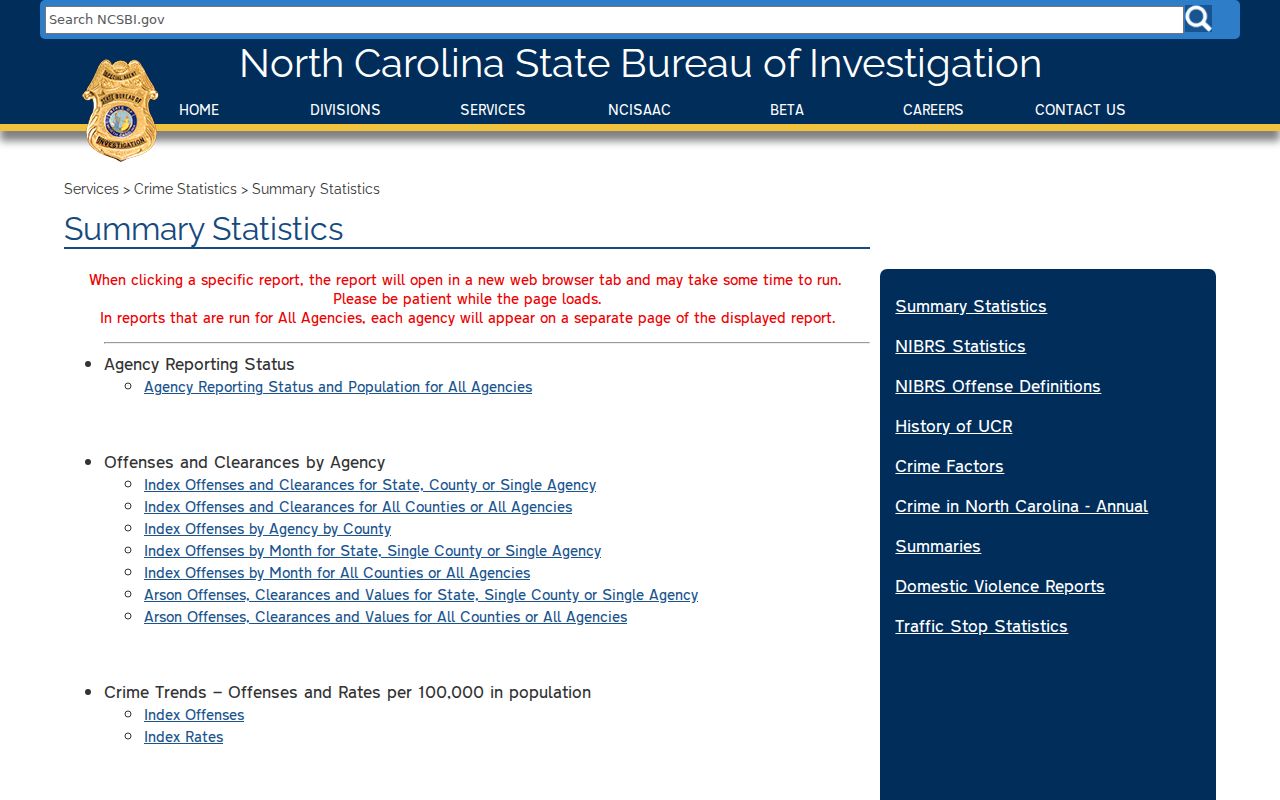
The state interface supplies context only when the selected Rocky Mount agency, year, and reporting status are kept with the figure.
Rocky Mount Court Records at Cokey Road
The Rocky Mount Judicial Center gives Edgecombe-side residents a local court counter at 305 Cokey Road. Its posted hours are 8:30 a.m. to 5 p.m. Monday through Friday, and its phone is 252-212-3102. The center can help with Edgecombe case questions, omitted Portal documents, archived material, and the route to an official copy.
Start online with eCourts Smart Search when a case number or party name is known. Select the Edgecombe location and review the Case Summary and Register of Actions. A case event is not always a hearing result or disposition. For a certified county name search, the Clerk uses AOC-CR-314 and charges $25. That product covers Edgecombe only. If the event occurred on Rocky Mount's Nash side, contact the Nash clerk rather than asking the Cokey Road counter to certify a record outside its county.
Public Access Rules
Rocky Mount police records and Edgecombe court files follow different access laws. North Carolina Public Records Law broadly defines public government records, but criminal investigation and intelligence files are not generally open in full. Specified basic incident and arrest information remains public. Clerk criminal actions, minutes, and judgments are open during business hours unless another law restricts them. Juvenile, sealed, expunged, victim-identifying, protected-person, and unreturned-warrant material may be withheld or redacted.
Key Statutes:
G.S. 132-1 defines government records as public property unless an exception applies.
G.S. 132-1.4 protects criminal investigative material while making specified incident and arrest facts public.
G.S. 7A-109 opens clerk criminal actions, minutes, and judgments to inspection during business hours.
Ask the Rocky Mount custodian to identify the reason for a denial or redaction. Chapter 132 does not create one fixed response time for every request, and public access does not turn an allegation into proof of guilt.